How do I view my USDC wallet?
Updated: 2026-05-29
Your wallet is where your dollars (USDC) live. You can see your balance and your address from the app anytime.
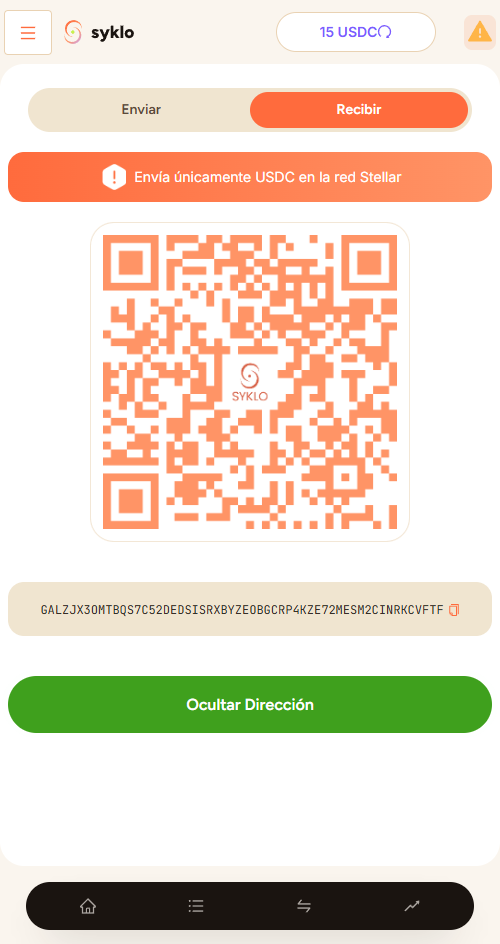
Steps
- Open the app at webapp.syklo.io.
- Go to "Send/Receive" in the left menu.
- Click "Receive", then the "Show address" button.
What's my address for?
Your address is like your account number for receiving USDC from another wallet or exchange. You can copy and share it safely: it only works for receiving.
Always check that you're receiving USDC over the Stellar network. Sending or receiving over another network can make you lose that money.
Want to send your dollars somewhere? See How do I send or withdraw USDC?.
Still have a question?
Write to us and we'll help.