How to buy dollars
Updated: 2026-05-29
Buying dollars in Syklo takes a few minutes. You pay with the method you already use and receive USDC in your account.
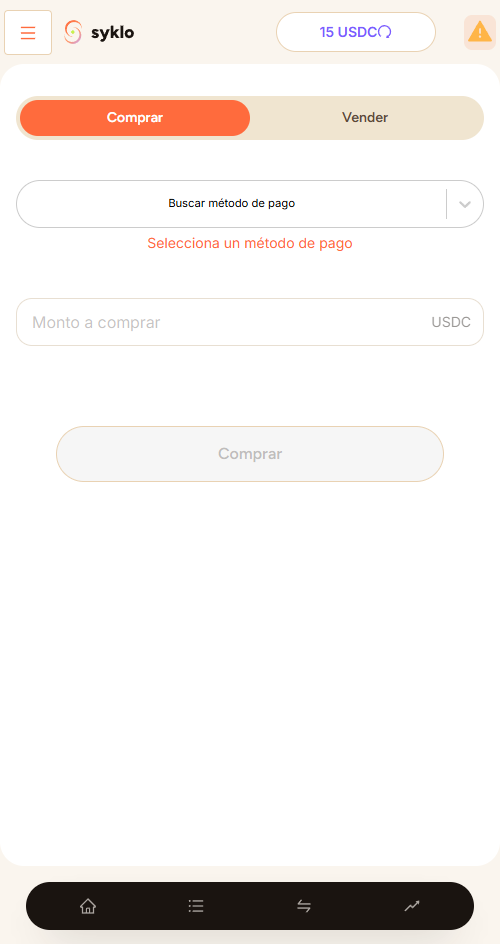
Steps
- Open the app and tap "Buy".
- Select the payment method you want to use. Note: if you haven't set one up yet, you can add it. See more in add a payment method.
- Enter how much you want to buy.
- Hold down the buy button. Syklo shows you the best available offer. Review the amount and the fee.
- Confirm. The seller's dollars are held (escrow).
- Make the transfer with your payment app and upload the receipt.
- When the seller confirms they received payment, the dollars move to your account.
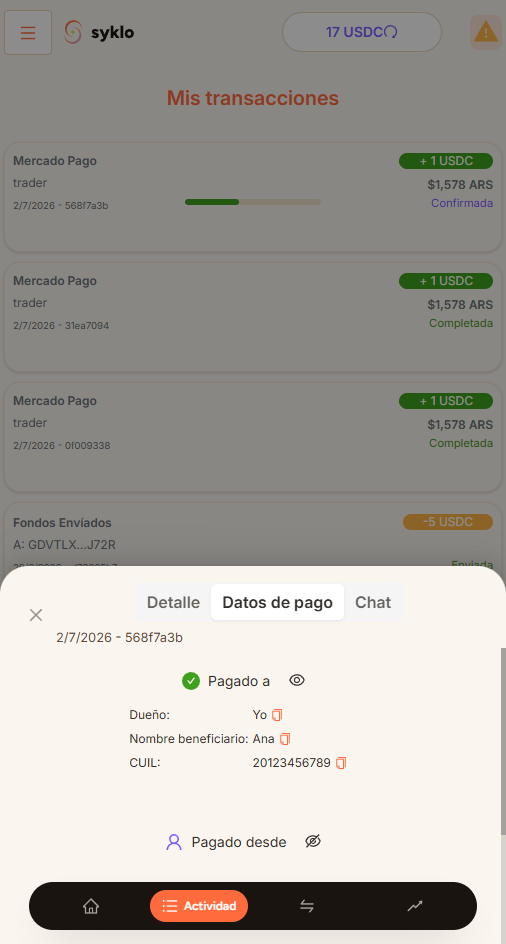
While the trade is in progress, the dollars are protected in escrow. The seller can't keep your payment without delivering the dollars.
Still have a question?
Write to us and we'll help.