How to set up trader ads
Updated: 2026-05-29
As a trader, you post buy or sell ads with your own rate and limits. When someone takes your offer, you earn the spread. You decide when they're active.
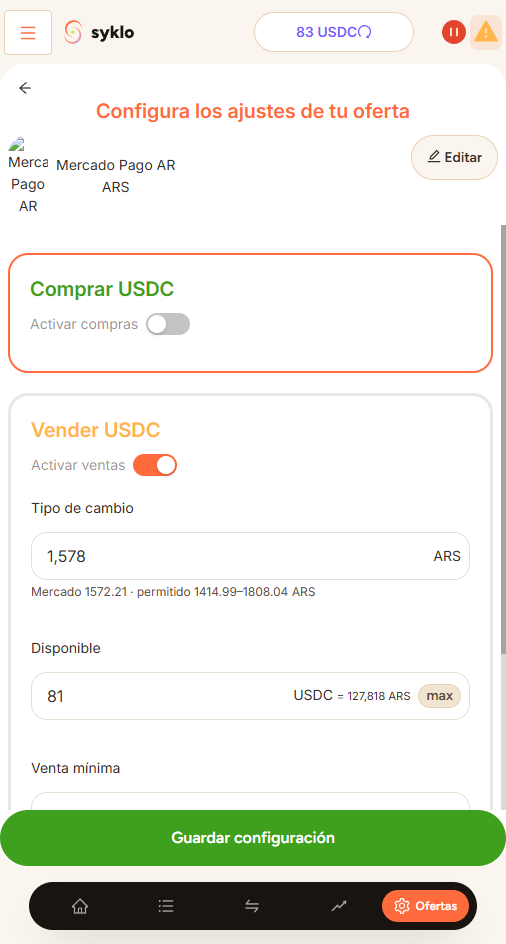
Create an ad
- Go to Advanced operations.
- Choose the payment method you want to buy or sell with.
- Set your rate, the minimum amount, and the maximum amount per trade.
- Publish. Your ad becomes available to other users.
Pause or resume
You can pause your ads when you don't want to receive trades, for example, at night or when you're not available to confirm payments. Resume them when you're ready.
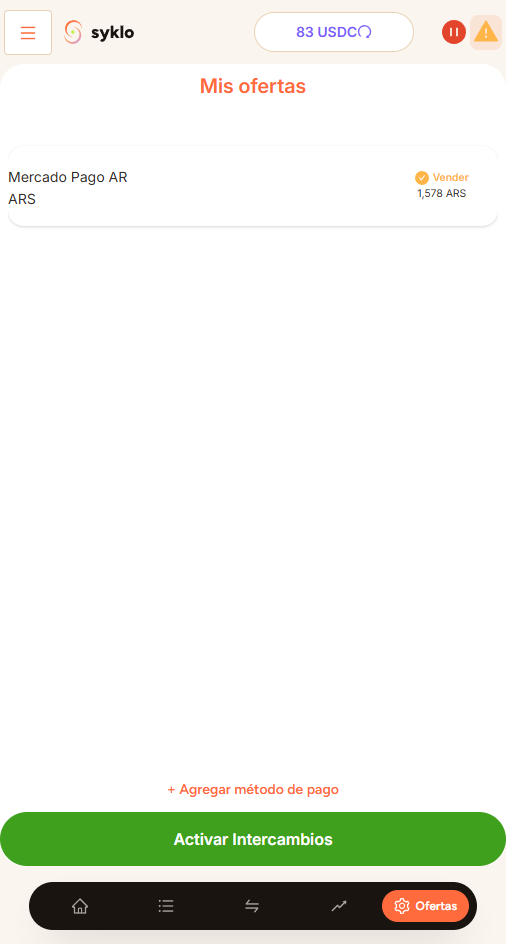
Respond quickly and confirm payments on time. A good trader track record makes more people take your offers.
Still have a question?
Write to us and we'll help.