How do I send USDC from Binance to Syklo?
Updated: 2026-05-29
You can bring your dollars (USDC) from Binance or another exchange into your Syklo account. The key is to use the Stellar network and not get the address wrong.
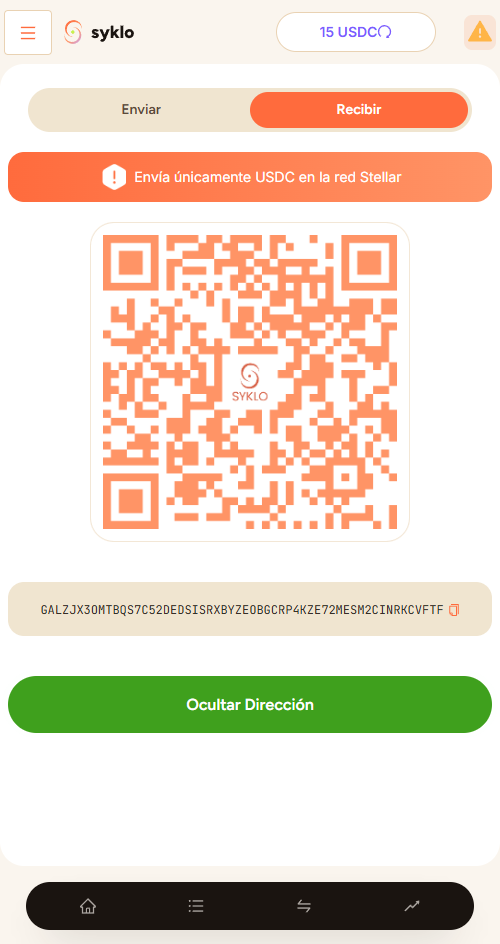
Steps
- In Syklo, copy your USDC address. See How do I view my USDC wallet?.
- In Binance, go to withdraw USDC and choose the Stellar (XLM) network.
- Paste your Syklo address and leave the memo field empty.
- Enter the amount and confirm the withdrawal in Binance.
Always use the Stellar network. If you send over another network, that money can be lost and can't be recovered.
USDC usually arrives within a few minutes. Once you see it in your balance, it's yours to use.
Still have a question?
Write to us and we'll help.